The Short Story
Tips and Tricks and Useful Info
Image Size Requirements for Print and Web
A Quick Note About This Tool
The Image Checker was built for our clients. When you work with us, it is one of the tools we put in your corner so you can check your own files, move faster, and catch problems before they become expensive ones.
That said, if you found your way here on your own, you are welcome to use it. No login, no strings attached. And if you are sitting there thinking "we could really use something like this on our own website" — well, funny you should mention it. We build these. You know where to find us.
Is Your Image Ready for the Spotlight?
Let’s face it: nobody wants their brand looking like a 1990s security camera still. Whether it’s for your homepage or a high-stakes print job, “accidental pixel art” is never the vibe.
Our Image Resolution Checker acts as your digital optometrist, ensuring your files have the muscle for any task. As you upload, the widget will display typical minimum sizes for various web and print uses, so you can see exactly where your image shines—and where it might fall short.
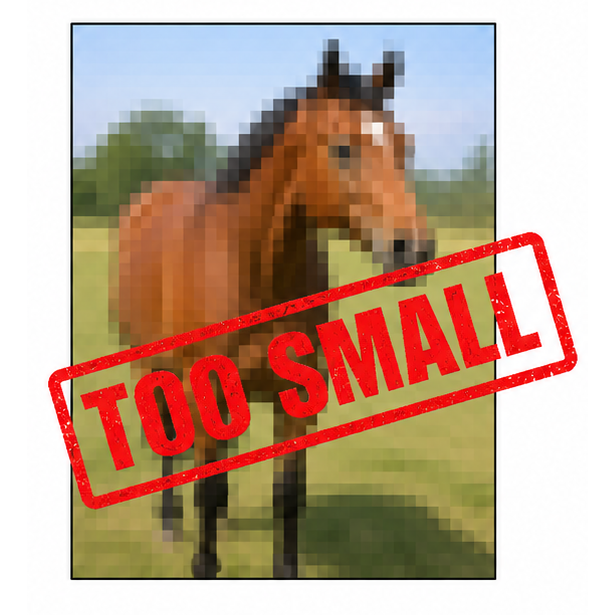
What's falling short? Well, slide the arrow in this image left and right... you'll see!
Since our sites handle the heavy lifting of downsizing automatically, this tool is purely about making sure you start with the best.
Because the only thing that should be blurry is your memory of the "low-res" era.


Upload your file (below) and the tool returns an instant result for dozens of common formats, from website hero banners and social media posts to posters, brochures, and trade show displays. Each format is rated OK, Marginal, or Too Small, so you know exactly where your image works and where it falls short.
The tool checks how wide and tall your image is in pixels, and the file size in megabytes.
A Note on Cropping
The tool confirms whether your image meets the minimum size requirements, but size is only part of the picture. Many projects also require a specific shape, and if your image does not match that shape, some portion of it will need to be cropped away.
A website hero banner might be five times wider than it is tall. A trade show banner might be nearly three times taller than it is wide. The most common problem is placing a photo that is taller than wide into a space that is wider than tall. The shapes are opposite, and something has to give.
If cropping is required, plan it before you commit to a project. Ask your website team or print vendor for the exact dimensions your project needs, then decide which part of your image to keep.
Check your image here:
Upload an Image
Drag & drop or click the button below