The Short Story
Tips and Tricks and Useful Info
Your Text May Contain Characters You Can't See. Here's How to Get Rid of Them.
Ever copied some text from ChatGPT, a website, or a document, pasted it somewhere else, and discovered that something wasn't quite right?
Maybe the spacing looks strange. Maybe a search can't find a word that's clearly there. Or maybe a perfectly good piece of text causes unexpected problems when you put it into a spreadsheet, website, or another application.
You look at the text. Looks fine.
You look again. Still looks fine.
You consider questioning your eyesight, your computer, and possibly your choice of career.
But the problem may be something you literally can't see.
Apparently, Even Blank Space Can Be Complicated
Most of us assume text is made up of letters, numbers, punctuation, and spaces.
Simple enough.
Except computers have a remarkable collection of characters that can hide in your text without leaving anything you can actually see.
They're called invisible Unicode characters, and they can include zero-width spaces, special formatting marks, soft hyphens, and other bits of digital housekeeping.
Some serve legitimate purposes. Others hitch a ride when you copy text from websites, documents, messaging apps, or AI tools.
And occasionally, they cause trouble.
For example, two phrases can look absolutely identical to you while being completely different to a computer.
One might contain a regular space. The other might contain an invisible character that looks like a space but isn't.
Your eyes say they're the same. Your computer disagrees.
And as anyone who's ever argued with a computer knows, the computer is not particularly interested in your opinion.
So We Built a Little Tool to Fix That
Our Invisible Character Cleaner finds hidden characters in your text, shows you where they are, and gives you a cleaned-up version you can copy and use.
You don't need to understand Unicode, hexadecimal codes, or why anyone thought we needed so many different kinds of invisible spaces in the first place.
Just paste your text, click a button, and see what turns up.
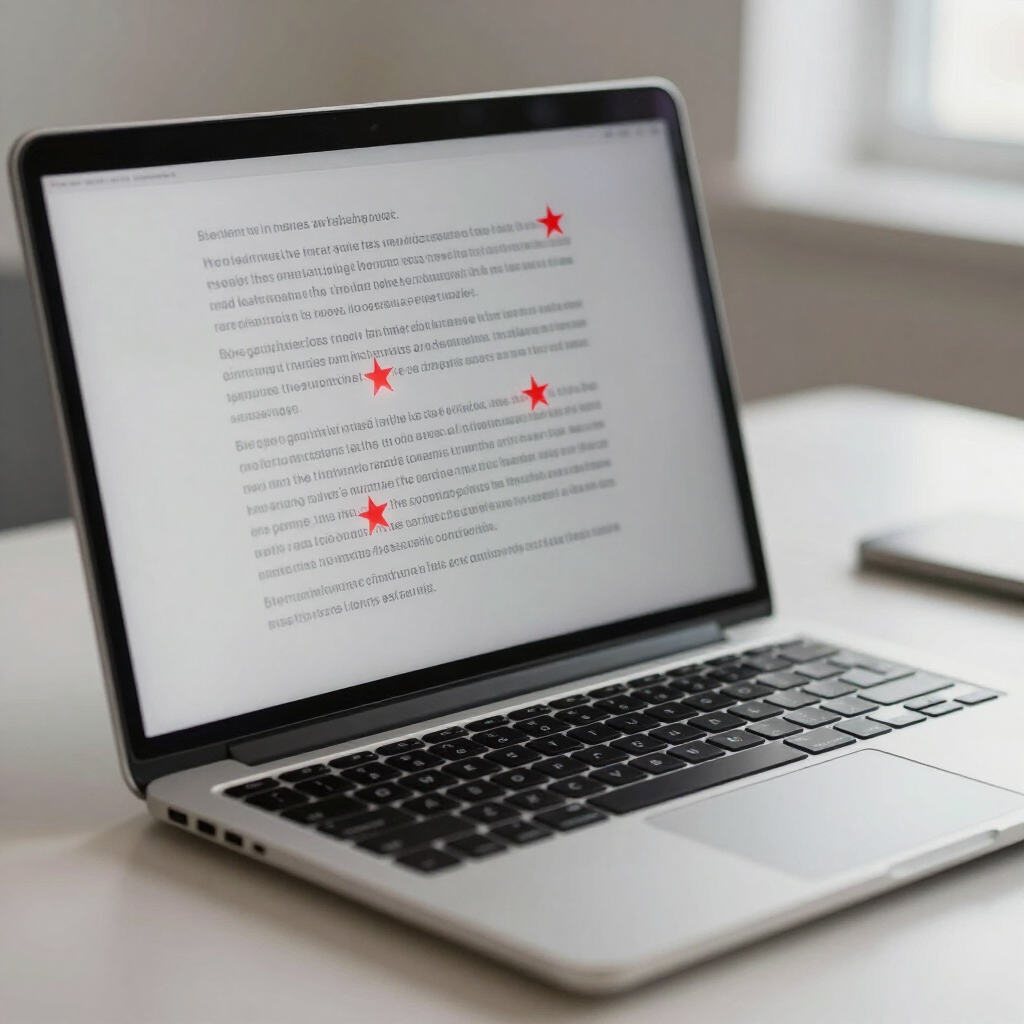
The tool marks hidden characters with red stars so you can see where they're hiding. If you're curious, it also identifies each character by name, position, and hexadecimal value.
If you're not curious, that's fine too. We won't tell the Unicode people.
Try the Invisible Character Cleaner
Ready to see what's hiding in your text?
Paste your text into the box below and click "Detect Characters." The tool will show you any hidden characters it finds.
Then click "Clean Text" to remove or replace them, and "Copy Clean Text" to copy the result.
A few useful things to know:
- You can check up to 50,000 characters at a time.
- Normal spaces, tabs, and line breaks are preserved.
- You can choose whether unusual spaces should be replaced with regular spaces or removed.
- If the tool finds more than 100 hidden characters, it displays the first 100 for review but still cleans the entire text.
- You'll see how many characters were removed or replaced.
And don't worry. You don't need to understand what a zero-width non-joiner is. Frankly, most of us were perfectly happy before we knew they existed.
Oh yeah? Prove it!
Here's a bit of text with a bunch of those invisible characters:
Lorem ipsum dolor sit amet, consectetur adipiscing elit, sed do eiusmod tempor incididunt ut labore et dolore magna aliqua. Lobortis elementum nibh tellus molestie nunc.
It looks like perfectly ordinary text, doesn't it? That's the point.
Copy and paste into the cleaner, click "Detect Characters", and see how many hidden characters you can find. No cheating. You can't see them anyway.
What About Your Privacy?
Here's something we consider especially important.
The text you paste into the cleaner stays in your browser. It isn't uploaded to our website, sent to an AI service, or stored on a server.
Everything happens right there on your computer.
When you reset the tool or leave the page, your pasted text is gone.
We don't want your text. We just want to help you get rid of the invisible stuff.
Does This Mean Someone Is Secretly Hiding Things in Your Text?
Probably not.
Invisible characters have legitimate uses, especially in certain languages, document formatting, and specialized applications.
Their presence doesn't necessarily mean someone has tampered with your text, and while some people associate hidden characters with AI-generated text or digital watermarks, finding them doesn't tell you whether AI wrote something. They're common in perfectly ordinary documents, too.
Sometimes they're there for a good reason.
Sometimes they're leftovers from copying and pasting.
And sometimes they're just another reminder that computers have become extraordinarily good at making simple things complicated.
One Last Thing
If your text looks perfectly normal but isn't behaving the way you expect, try running it through the cleaner.
It takes a few seconds, costs nothing, and might save you from spending an afternoon trying to figure out why two identical-looking words aren't actually identical.
Of course, it won't fix bad writing, questionable grammar, or that email you probably shouldn't have sent.
But we've got to start somewhere.